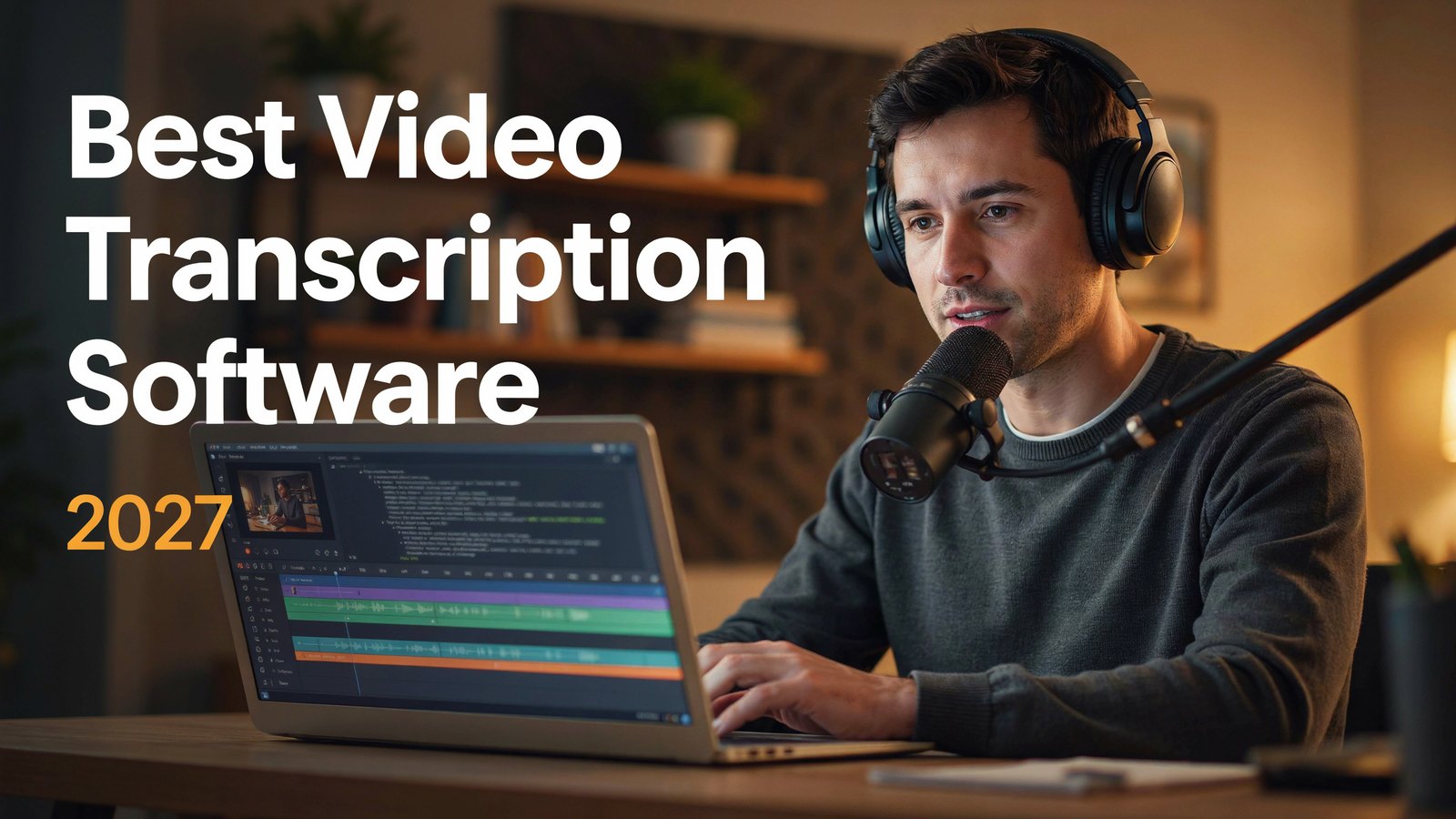
Every video you make is full of words. Turn those words into text and they start working for you.
Transcripts help search engines understand your videos. Captions keep viewers watching with the sound off. And a good transcript can become a blog post, a newsletter and a dozen social posts in minutes.
A few years ago, transcription was slow and expensive. Today, AI tools can transcribe an hour of video in a few minutes, often for less than the price of a coffee.
We compared the 7 best video transcription software tools for 2027, checked current prices and matched each one to the job it does best, whether that's YouTube, podcasts or meetings.
Why Video Transcription Matters
- Better search rankings. YouTube and Google can read your captions and transcripts, which helps the right people find your videos.
- More watch time. Many people watch with the sound off. Captions keep them watching.
- Accessibility. Captions make your content usable for people who are deaf or hard of hearing.
- New audiences. Transcripts can be translated so your videos reach people in other languages.
- Easy repurposing. Turn one video into blog posts, quotes, show notes and social posts.
What to Look For in Transcription Software
- Accuracy. Look for tools that handle accents, background noise and several speakers well.
- Speed. Most AI tools now finish in minutes. Human transcription takes longer but is more accurate.
- Editing. A good editor lets you fix mistakes quickly by clicking on the text.
- Export formats. For YouTube, you need SRT or VTT caption files. For writing, you need text or Word files.
- Languages. Check that your language is supported, and whether the tool can translate.
- Price model. Some charge per minute, some per month, some per seat. Match it to how much you transcribe.
Quick Price Comparison
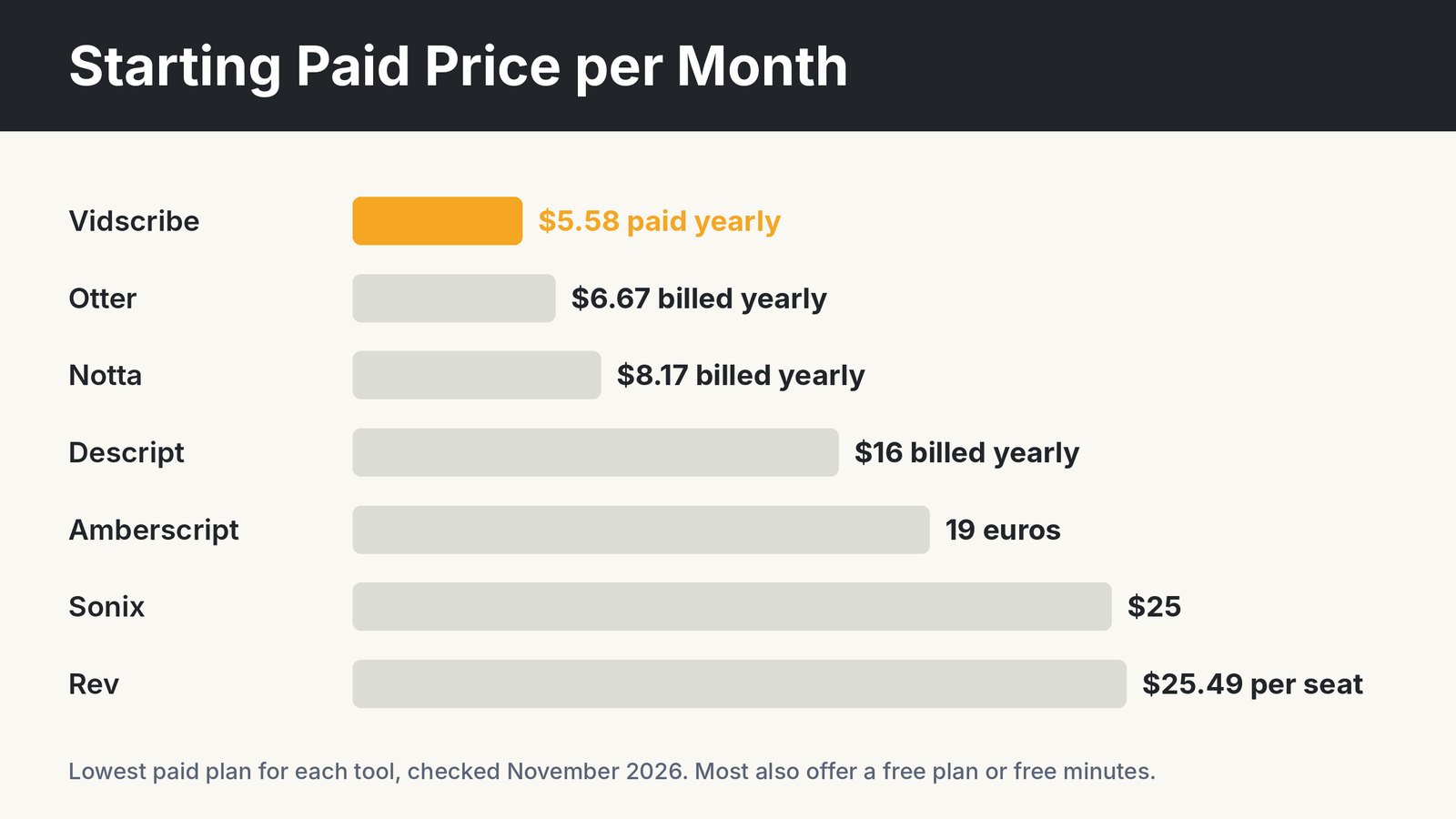
| Tool | Starting Price | Best For |
|---|---|---|
| Vidscribe | $5.58 a month paid yearly | YouTube captions, translation and dubbing |
| Otter | $6.67 a month billed yearly | Meeting notes |
| Notta | $8.17 a month billed yearly | Quick meeting and file transcripts |
| Descript | $16 a month billed yearly | Editing video by editing text |
| Amberscript | 19 euros a month | European users and subtitles |
| Sonix | $25 a month or $10 an hour | Multilingual accuracy |
| Rev | $25.49 per seat a month | AI plus human transcription |
1. Vidscribe
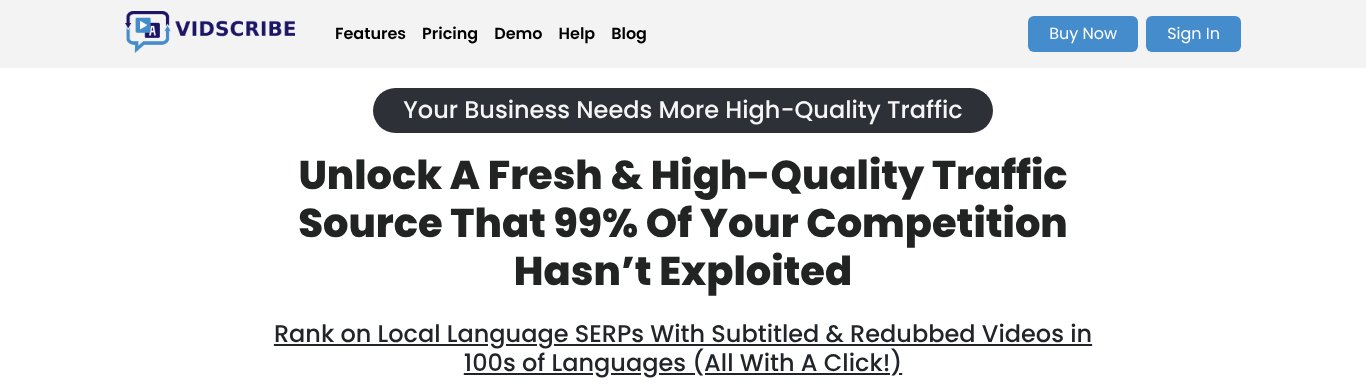
Vidscribe does more than transcribe. Feed it any YouTube URL or video file, and it will transcribe, translate and redub the video automatically.
For YouTube creators, that's a big deal. Vidscribe creates SRT caption files that help your videos rank, and it can burn high-visibility subtitles into the video in multiple colors, so viewers watching on mute still follow along.
Then it can take things further. Translate the transcript into other languages and create natural-sounding voice-overs that match the timing of your original video. One video can now reach viewers in dozens of languages.
Everything is 100% editable, from the transcript to the translation to the voice-over timing. Vidscribe is a desktop app, so your videos are processed on your own computer without waiting in a queue, and it can upload finished videos to YouTube and Facebook for you.
Best for. YouTube creators and marketers who want captions plus translated and dubbed versions.
Price. $5.58 a month, paid yearly ($67 a year), or $6.99 month to month, with a 30 day refund.
Pros
- Transcribes, translates and redubs in one tool
- SRT captions and burned-in subtitles
- Fully editable results
- Lowest price on this list
Cons
- Desktop app, not browser based
- More than you need if you only want meeting notes
2. Otter
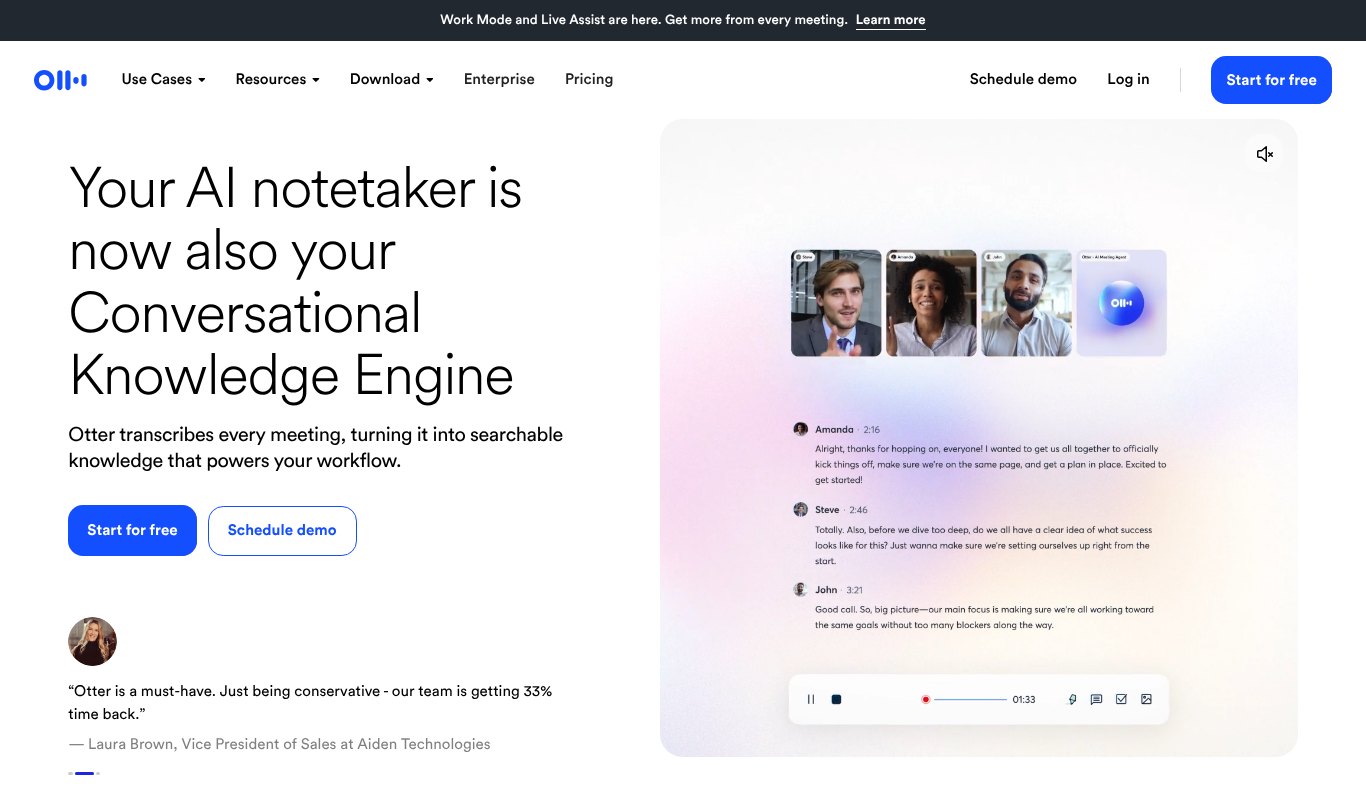
Otter is the go-to tool for meetings. Its assistant joins your Zoom, Google Meet or Teams calls, transcribes them live, and creates summaries and action items.
You can also upload recorded videos, but Otter shines most for conversations and team notes.
Best for. Teams that want automatic meeting notes.
Price. Free plan available. Pro is $6.67 a month billed yearly ($79.99 a year).
Pros
- Joins meetings automatically
- Live transcription and summaries
- Generous free plan
Cons
- Not built for YouTube captions
- Limits on file uploads in lower plans
3. Notta
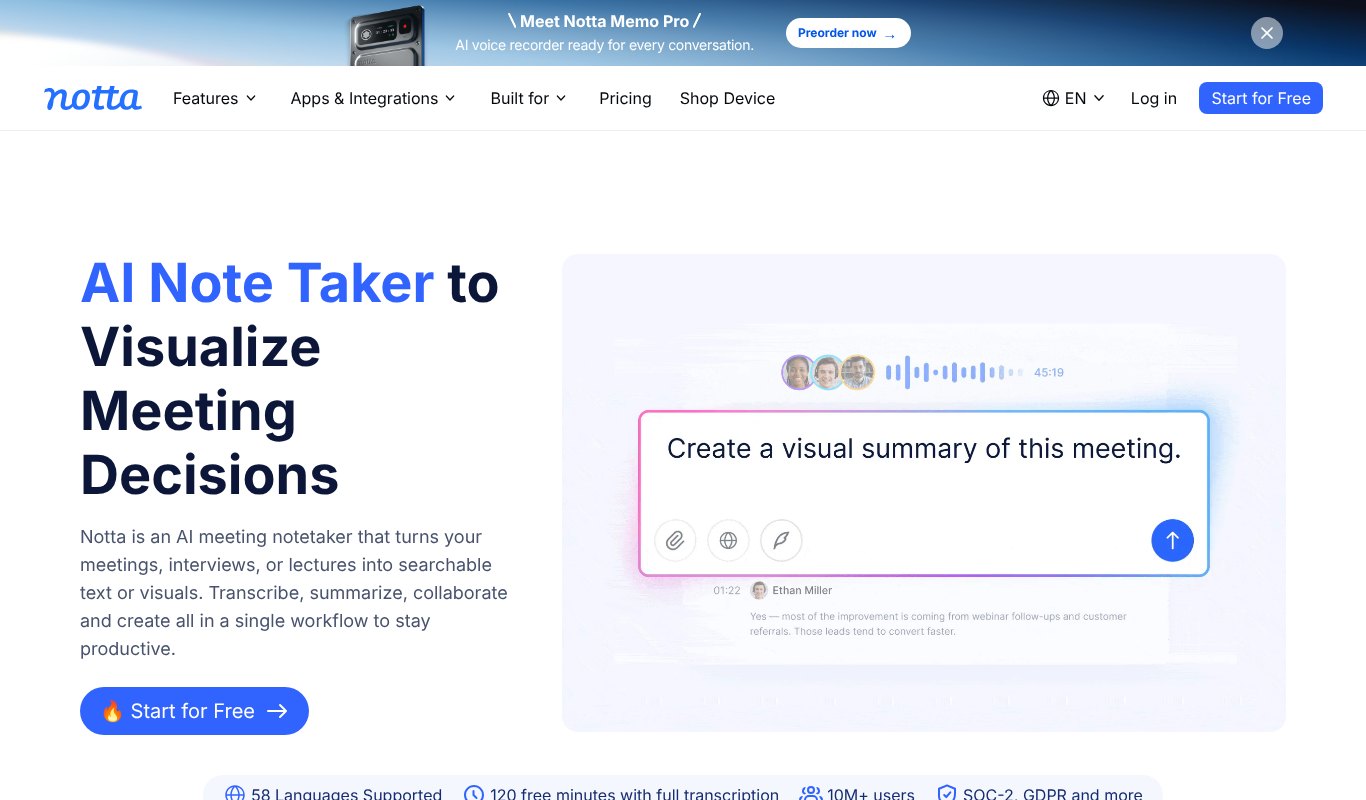
Notta transcribes meetings, recordings and video files in 58 languages. It's fast, simple and creates AI summaries you can share with your team.
It also has free tools for YouTube transcripts and turning videos into blog posts.
Best for. Busy professionals who want fast transcripts of meetings and files.
Price. Free plan available. Pro is $8.17 a month billed yearly ($97.99 a year), or $10 month to month.
Pros
- Many languages
- Fast and simple
- Affordable
Cons
- Free plan is limited
- Fewer caption styling options
4. Descript
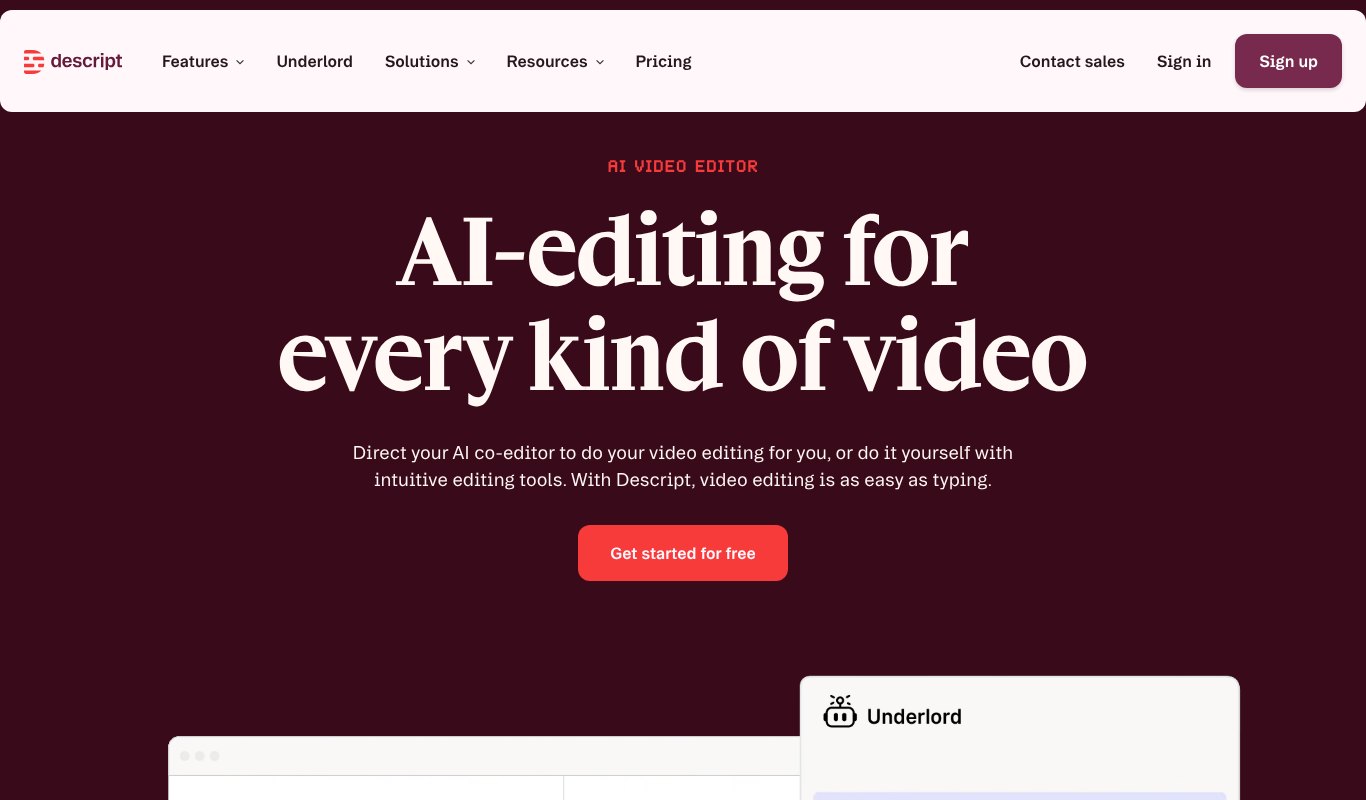
Descript turns your video into a document. It transcribes your recording, then lets you edit the video by editing the text. Delete a sentence in the transcript and it disappears from the video.
It's a favorite for podcasters and YouTubers who want transcription and editing in one place.
Best for. Podcasters and creators who edit their own videos.
Price. Free plan available. Paid plans start at $16 a month billed yearly, or $24 month to month.
Pros
- Edit video by editing text
- Removes filler words
- Strong AI editing tools
Cons
- Takes time to learn
- More than you need for plain transcripts
5. Amberscript
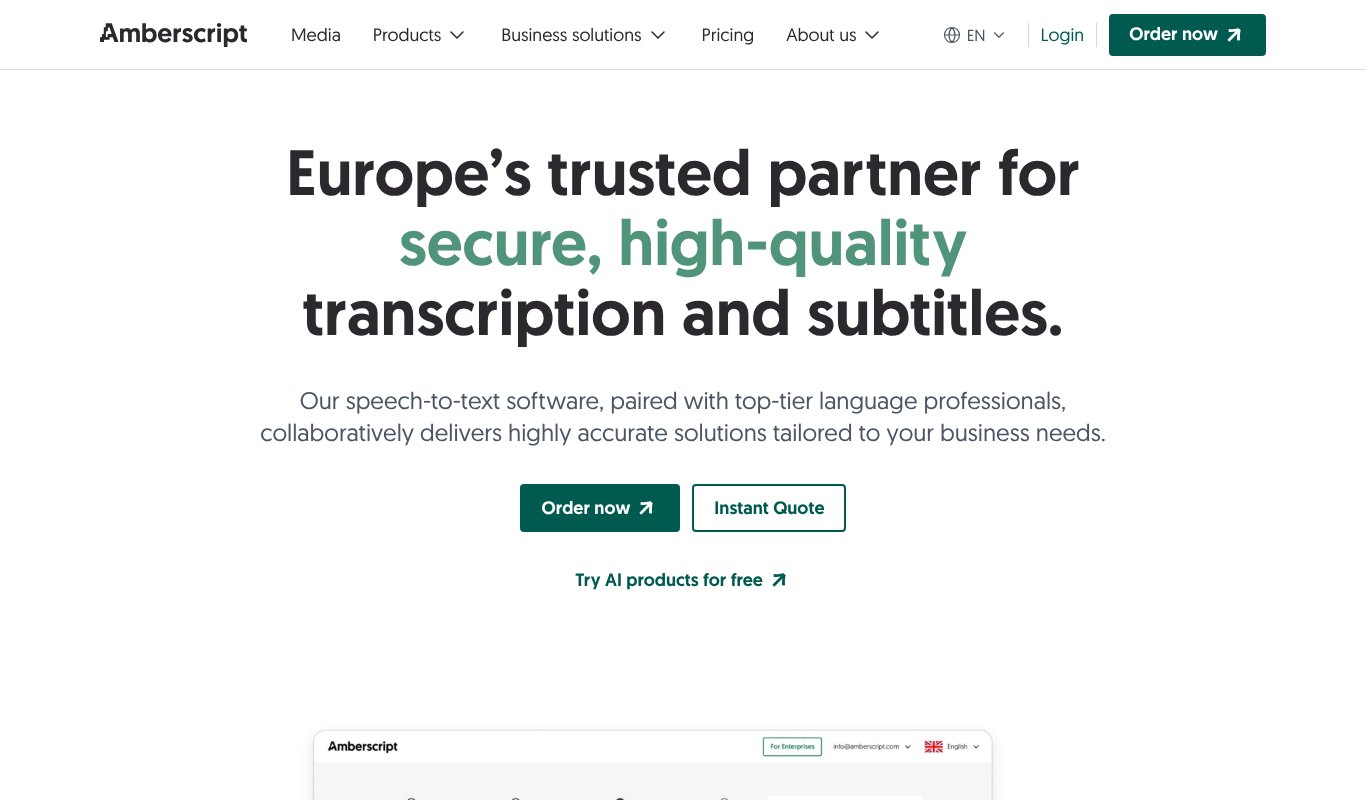
Amberscript is a European service that combines AI transcription with human language experts. You can choose fast machine transcripts or have a professional check them.
It's popular with universities, media companies and businesses that need strong privacy standards.
Best for. European teams and anyone who needs subtitles with optional human checks.
Price. Subscriptions start at 19 euros a month. Human-made transcripts cost extra.
Pros
- AI and human options
- Strong privacy focus
- Good subtitle tools
Cons
- Prices in euros
- Human transcription costs more
6. Sonix
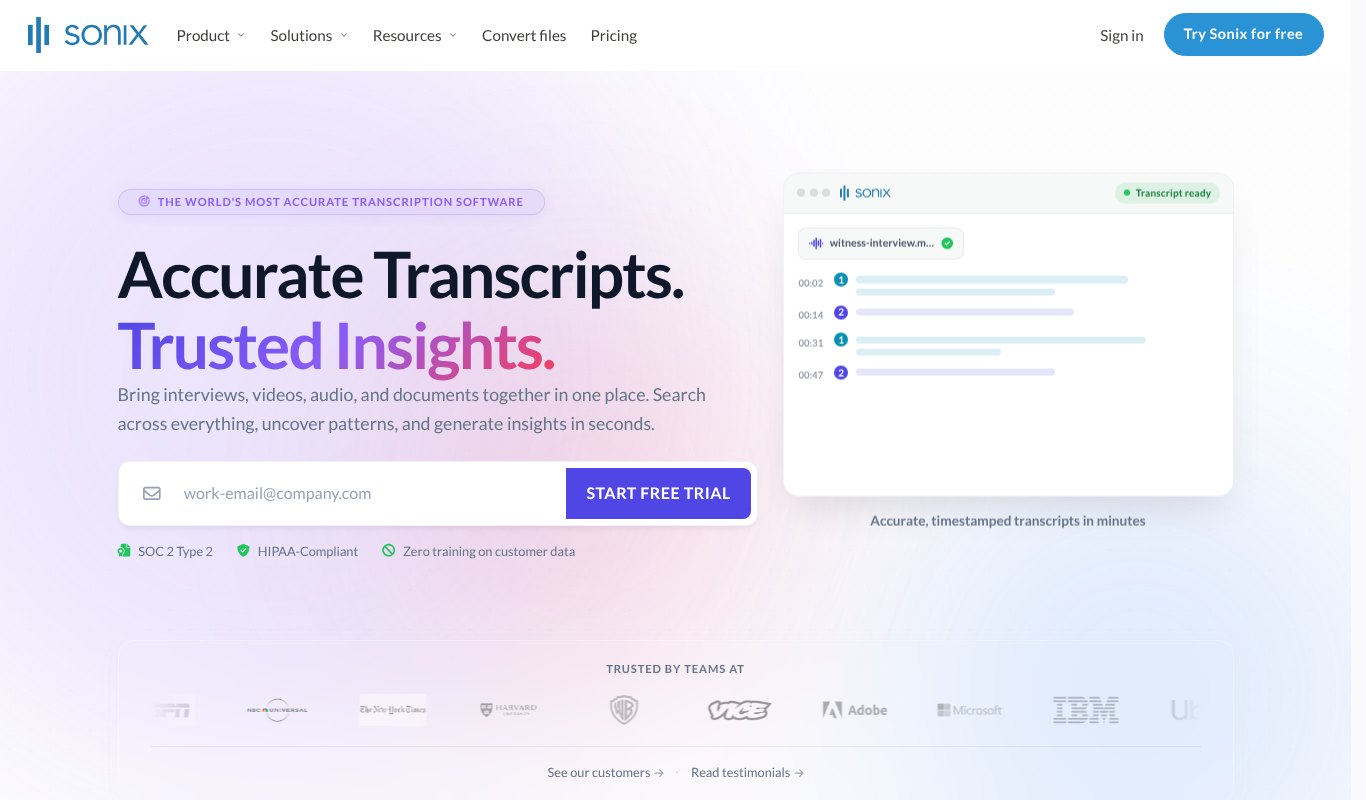
Sonix is known for accuracy across 54+ languages. Its browser editor lets you search, highlight and fix transcripts quickly, and it can translate them too.
You can pay as you go per hour of audio or choose a monthly plan if you transcribe often.
Best for. Researchers, journalists and teams that work in many languages.
Price. $10 per hour pay as you go, or plans from $25 a month. 30 free minutes to try.
Pros
- Very accurate
- Many languages
- Flexible pricing
Cons
- Costs add up for heavy use
- No meeting assistant
7. Rev
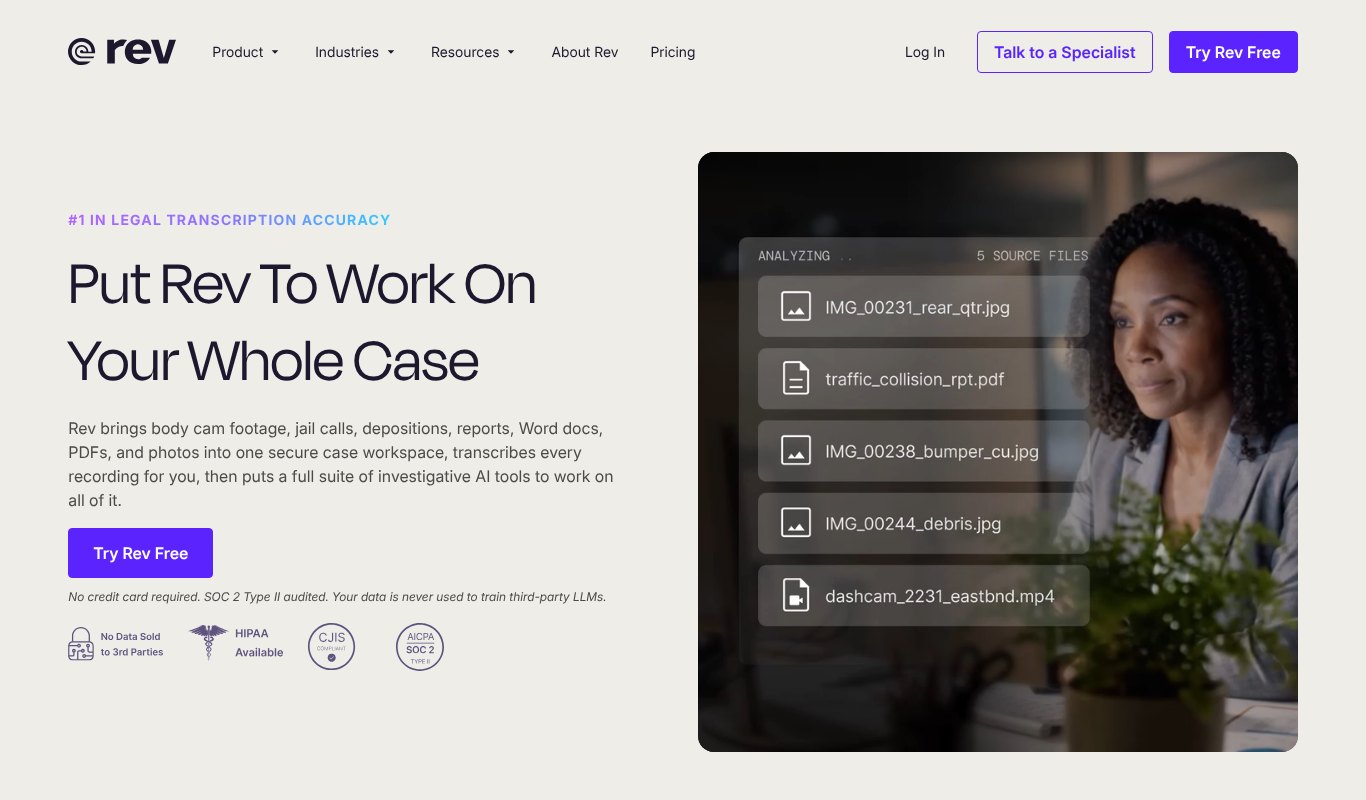
Rev offers fast AI transcripts plus human transcription for when accuracy really matters. It's widely used by legal teams, journalists and researchers.
Its mobile app makes it easy to record and transcribe on the go.
Best for. Professionals who sometimes need human-verified transcripts.
Price. Free plan with limited access. Paid plans from $25.49 per seat a month billed yearly.
Pros
- Human transcription option
- Trusted by legal and media teams
- Good mobile app
Cons
- Per seat pricing
- Human transcripts cost extra
Best Video Transcription Software by Use Case
| Use Case | Best Pick | Why |
|---|---|---|
| YouTube captions and growth | Vidscribe | SRT captions, translation and dubbing in one tool |
| Meeting notes | Otter | Joins calls and writes summaries automatically |
| Podcast editing | Descript | Edit audio and video by editing text |
| Many languages | Sonix | Accurate across 54+ languages |
| Legal or research work | Rev | Human-verified transcripts |
| Strict privacy needs | Amberscript | European service with human experts |
AI Transcription or Human Transcription?
AI transcription is fast and cheap. An hour of video usually comes back in a few minutes, and with clear audio the results are very good. For YouTube captions, show notes and meeting summaries, AI is almost always enough.
Human transcription is slower and costs more, but it's the safer choice when every word matters. Think legal recordings, medical interviews, research and anything that will be quoted in print.
Many teams mix both. They use AI for everyday work and pay for human review only on the few recordings where accuracy is critical. Tools like Rev and Amberscript make that easy because they offer both options in one place.
Turn One Transcript Into a Week of Content
A transcript is one of the most useful things you can have as a creator. Here's how to stretch one video into many pieces of content.
A blog post. Clean up the transcript, add headings and a few images, and you have an article that can rank in Google on its own.
Social posts. Pull out three to five strong lines and turn each one into a post or a quote graphic.
A newsletter. Summarize the main points in a short email and link to the full video.
Short clips. Use the transcript to find the most quotable moments, then cut them into Shorts, Reels or TikToks.
Show notes and chapters. Add timestamps and a short summary to your video description to help viewers jump to what they need.
One recording, five or more pieces of content, and you only had to create the original once.
How to Get More Accurate Transcripts
- Record clean audio. A decent microphone matters more than any software setting.
- Cut background noise. Turn off fans and record in a quiet room.
- Speak clearly and one at a time. Overlapping voices cause most errors.
- Add custom words. Many tools let you add names and jargon so they're spelled right.
- Always proofread. Check names, numbers and product terms before publishing.
How to Use Transcripts to Grow Your YouTube Channel
Uploading your own caption file instead of relying on auto captions gives YouTube accurate text to work with. That can help your video show up for the right searches.
Then reuse the transcript, because it's already written for you. Turn your best videos into blog posts, pull out quotes for social media, and add a short summary to your video description with your main keywords.
Want to go further? Translate your captions into other languages. For a step by step guide, see how to localize a video, and for caption-only tools, our list of the best closed captioning tools.
Mistakes to Avoid
Relying only on auto captions. YouTube's automatic captions are better than nothing, but they often get names, brands and technical words wrong. Upload your own corrected file instead.
Skipping the proofread. Even the best AI makes small mistakes. A five minute check before publishing saves you from awkward errors on screen.
Paying for features you don't need. A meeting tool won't help much with YouTube captions, and a full video editor is overkill if you only want text. Pick the tool that fits your main job, and upgrade only when you outgrow it.
Forgetting other languages. Most of the world doesn't speak English as a first language. Translated captions are one of the easiest ways to reach new viewers.
FAQ
What is the most accurate video transcription software?
For AI-only transcripts, Sonix and Rev are known for strong accuracy. For guaranteed accuracy, choose a human transcription option from Rev or Amberscript.
Can I transcribe a YouTube video for free?
Yes. YouTube creates automatic captions for many videos, and tools like Otter, Notta and Descript have free plans. For accurate captions you can upload, a paid tool is usually worth it.
What file format do I need for YouTube captions?
SRT is the most common. YouTube also accepts VTT and several other formats.
Is AI transcription good enough for subtitles?
Usually, yes, with a quick proofread. Most errors are names, numbers and technical terms, which are easy to fix in the editor.
How long does AI transcription take?
Most AI tools transcribe an hour of clear audio in a few minutes. Human transcription can take anywhere from a few hours to a few days.
Can transcription software translate my videos?
Some can. Vidscribe, Sonix and Notta can translate transcripts, and Vidscribe can also create dubbed voice-overs in other languages.
Final Thoughts
The best video transcription software depends on what you make. Meeting-heavy teams should look at Otter or Notta. Podcasters will love Descript. Teams that need human accuracy should consider Rev or Amberscript.
But if you make YouTube videos and want captions, translations and dubbed versions that reach new audiences, try Vidscribe. It's the most complete option on this list, at the lowest price.