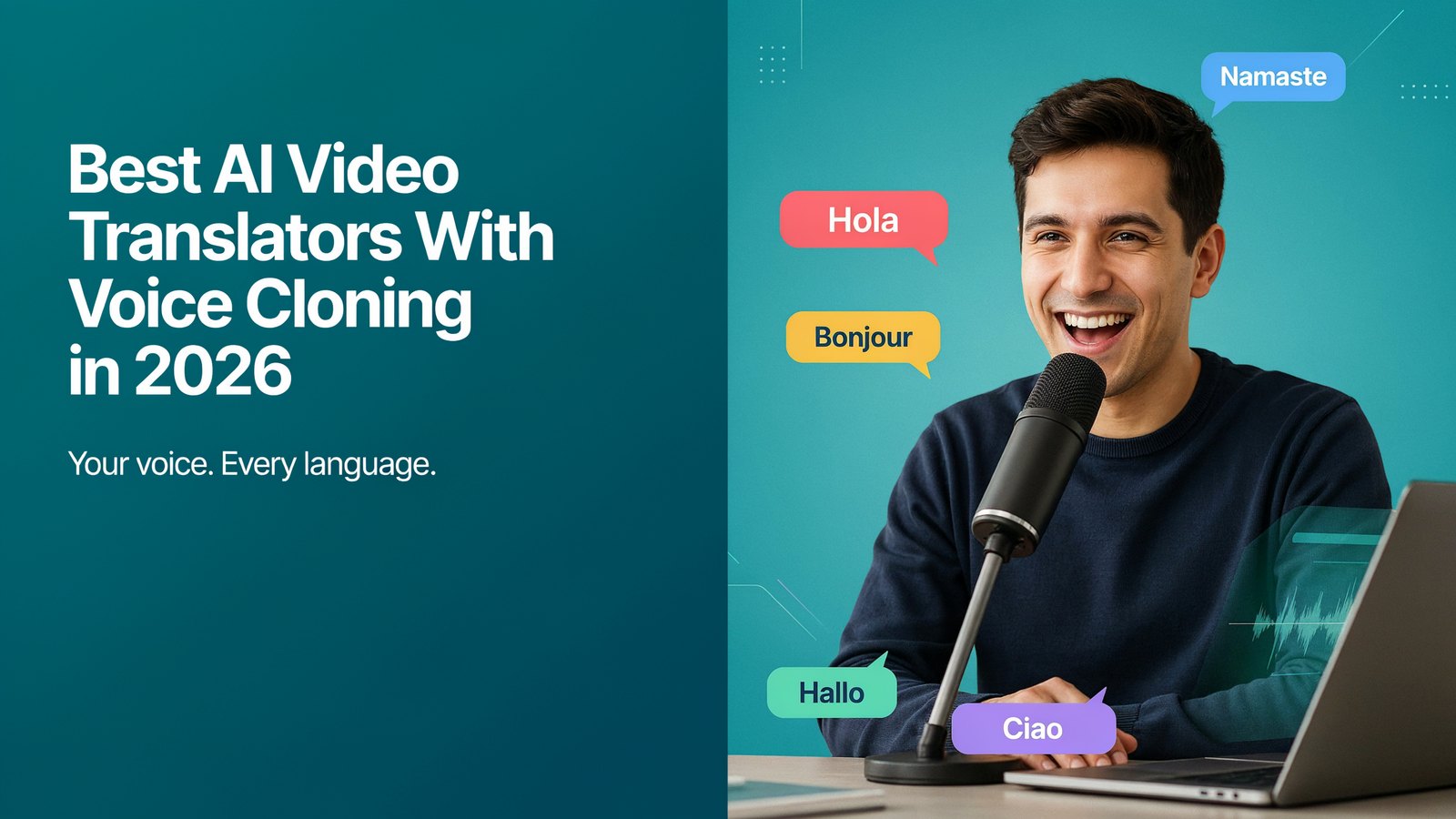
Most of the world doesn't speak English. And most of your videos only speak English.
That used to be hard to fix. Dubbing meant hiring voice actors, renting a studio and waiting weeks.
Not anymore. AI video translators can now dub your video into another language in minutes, in your own voice.
Here are the 11 best AI video translators with voice cloning in 2026, what they cost, and which one fits you.
What Is an AI Video Translator With Voice Cloning?
It's a tool that takes your video, translates what you say, and speaks the translation back in a voice that sounds like you.
So your Spanish viewers hear you speaking Spanish. Your German viewers hear you speaking German. Same voice, same energy, new language.
Older tools swapped your voice for a generic robot. Voice cloning keeps the thing that makes your videos yours.
How AI Video Translation Works
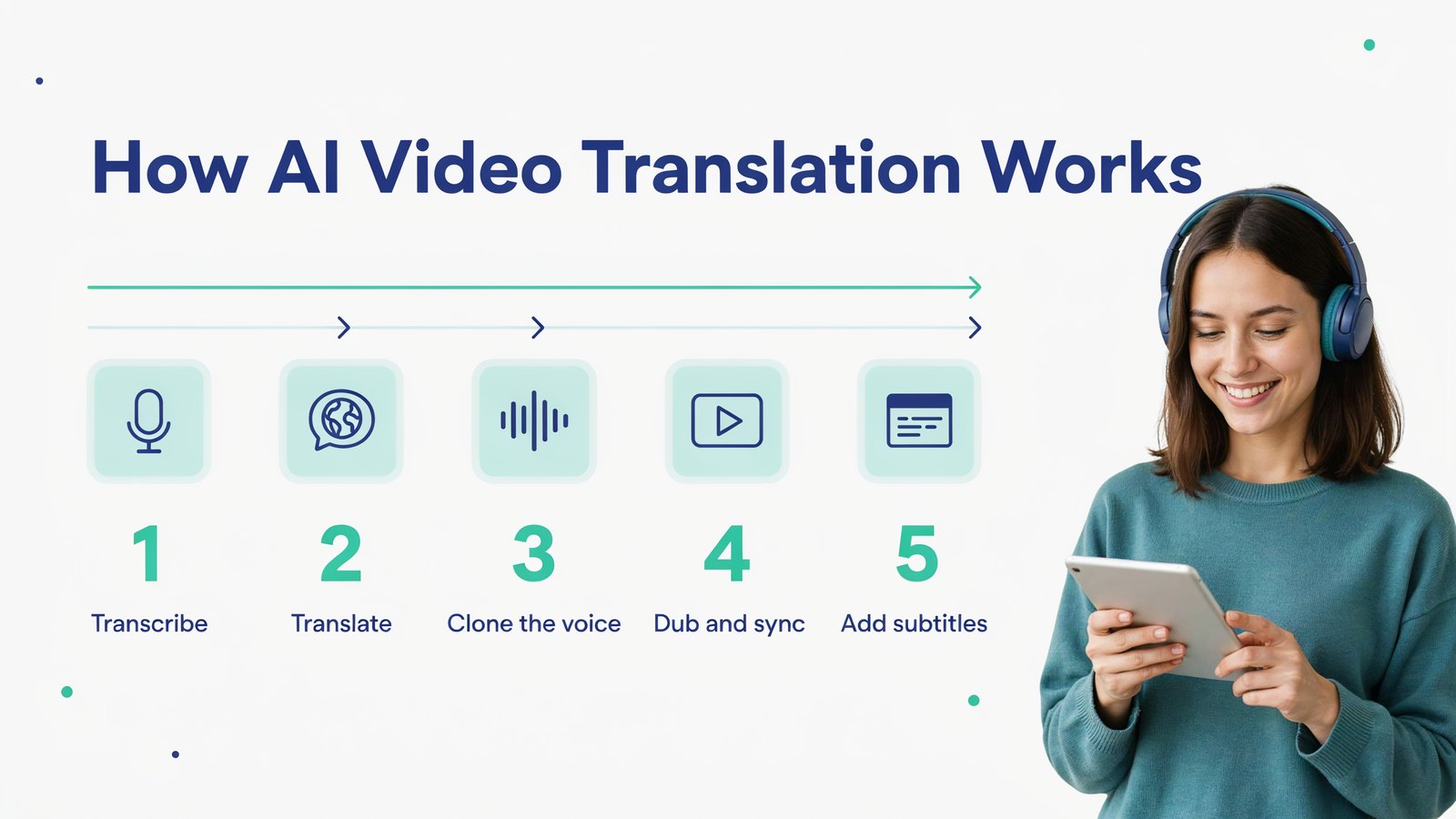
Transcribe. The AI writes down every word you say.
Translate. It turns that text into the new language.
Clone the voice. It learns how you sound from your own audio.
Dub and sync. It speaks the translation in your voice and lines it up with the video. Some tools even move your lips to match.
Add subtitles. Many tools also create captions in the new language, which helps search and people who watch on mute.
Why Translate Your Videos?
Bigger audience. Billions of people search for videos in languages other than English.
Less competition. A topic that's crowded in English is often wide open in Spanish, Portuguese or Hindi.
More search traffic. Translated titles, subtitles and audio help your video show up in local YouTube and Google searches.
More sales. People buy more when they hear an offer in their own language.
Old videos, new life. Your back catalog can reach a whole new audience without filming anything new.
YouTube itself is betting on this. In 2026 it opened automatic dubbing to all creators, and it says about six million viewers a day were already watching at least 10 minutes of dubbed content by the end of 2025.
Who Uses AI Video Translators?
- YouTubers who want a second channel or audio track in another language.
- Course creators who sell the same course in new countries.
- Marketers who turn one ad or demo into ten local versions.
- Podcasters who dub video episodes with every guest in their own voice.
- Agencies who offer dubbing and subtitles as a service to clients.
What to Look For
- Voice quality. Does the clone actually sound like you, or like a cousin of you?
- Multiple speakers. Interviews and podcasts need each person dubbed in their own voice.
- Background audio. Music and sound effects should stay in the video.
- Easy editing. You should be able to fix a translation or timing before you export.
- Languages. Check that the languages you need are supported.
- Fair pricing. Many cloud tools charge by the minute, which adds up fast.
Quick Comparison
| Tool | Best For | Free Option | Starting Price |
|---|---|---|---|
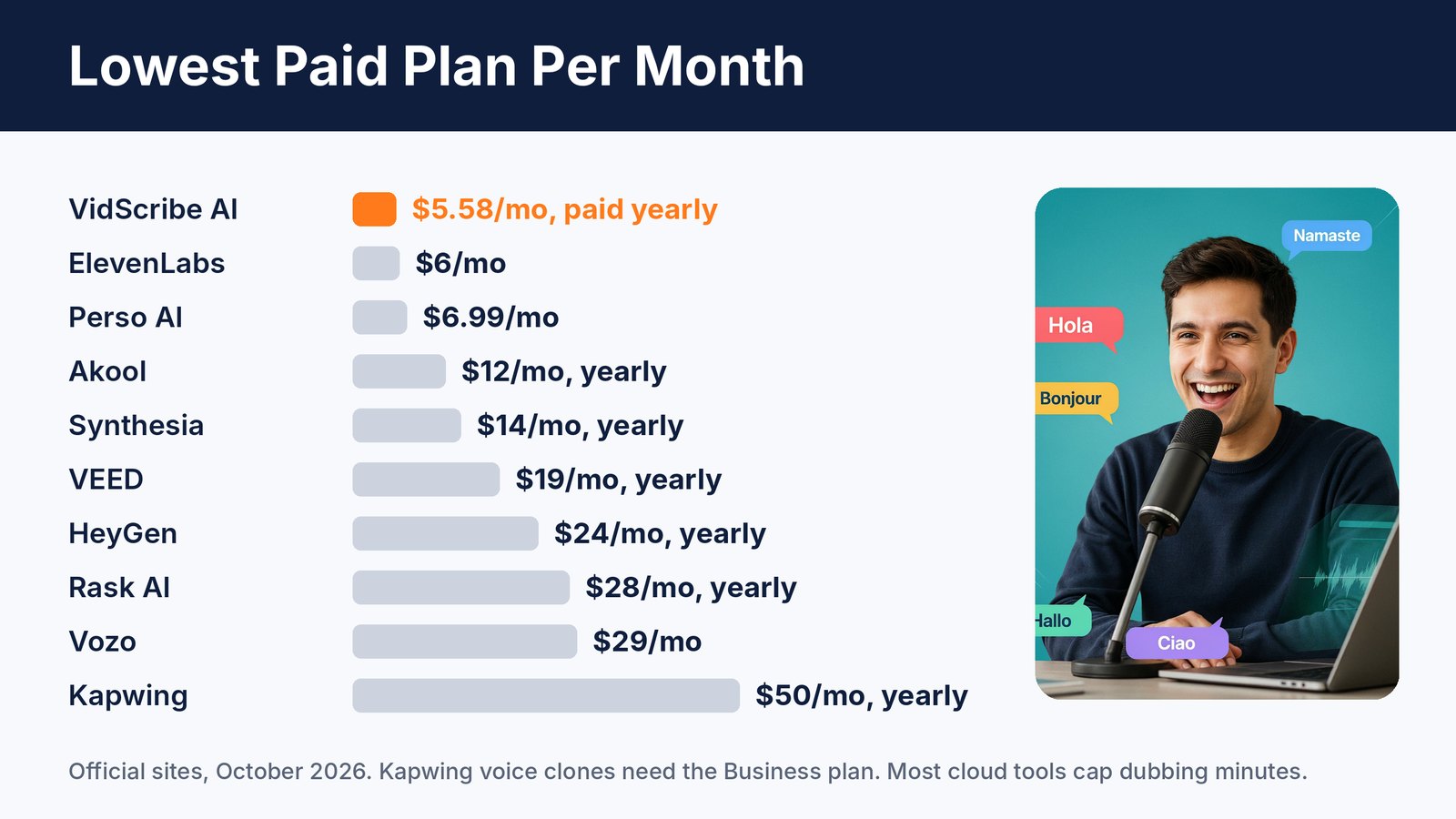
| VidScribe AI | Dubbing and subtitles for search traffic | 30 day refund | $5.58/mo paid yearly |
| HeyGen | Lip-synced translations | 3 videos a month | $24/mo paid yearly |
| ElevenLabs | Most natural voices | Free plan | $6/mo |
| Rask AI | Business localization | Free trial | $28/mo paid yearly |
| Vozo | Lip sync and on-screen text | Free plan | $29/mo |
| Perso AI | Low-cost dubbing | Free plan | $6.99/mo |
| Akool | Avatars plus translation | 5 free minutes | $12/mo paid yearly |
| VEED | Editing and dubbing together | Free plan | $19/mo paid yearly |
| Kapwing | Team video editing | Free plan | $50/mo paid yearly for voice clones |
| YouTube auto-dubbing | Free dubs on YouTube | Free | Free |
| Synthesia | Corporate training videos | Free plan | $14/mo paid yearly |
1. VidScribe AI
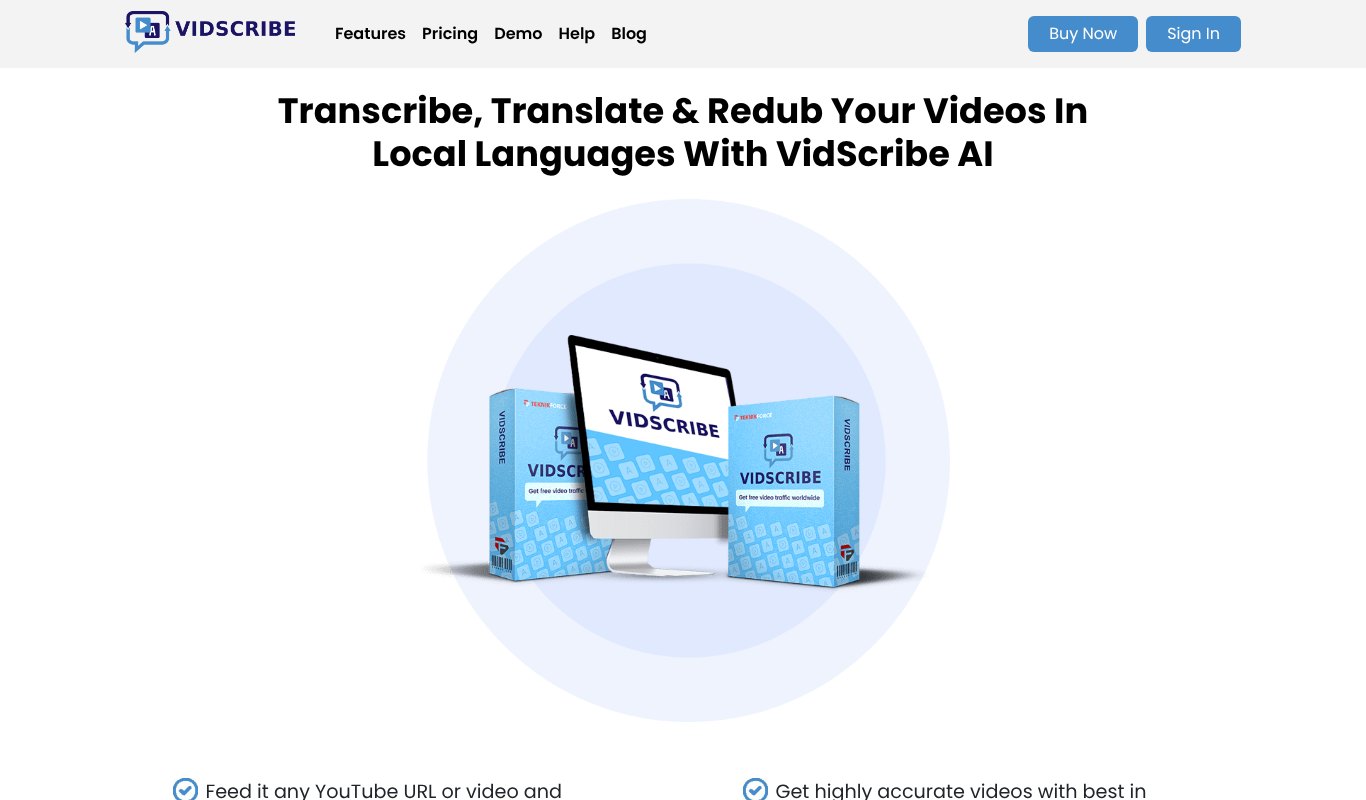
Full disclosure, VidScribe AI is our own product, made by Teknikforce. We built it to help marketers get traffic from non-English searches, which is still one of the easiest ways to grow.
Give VidScribe a video file or just a YouTube link. It transcribes the video, translates it into the language you pick, and redubs it. It also adds bold, eye-catching subtitles in the new language, with ready-made caption styles or your own fonts and colors.
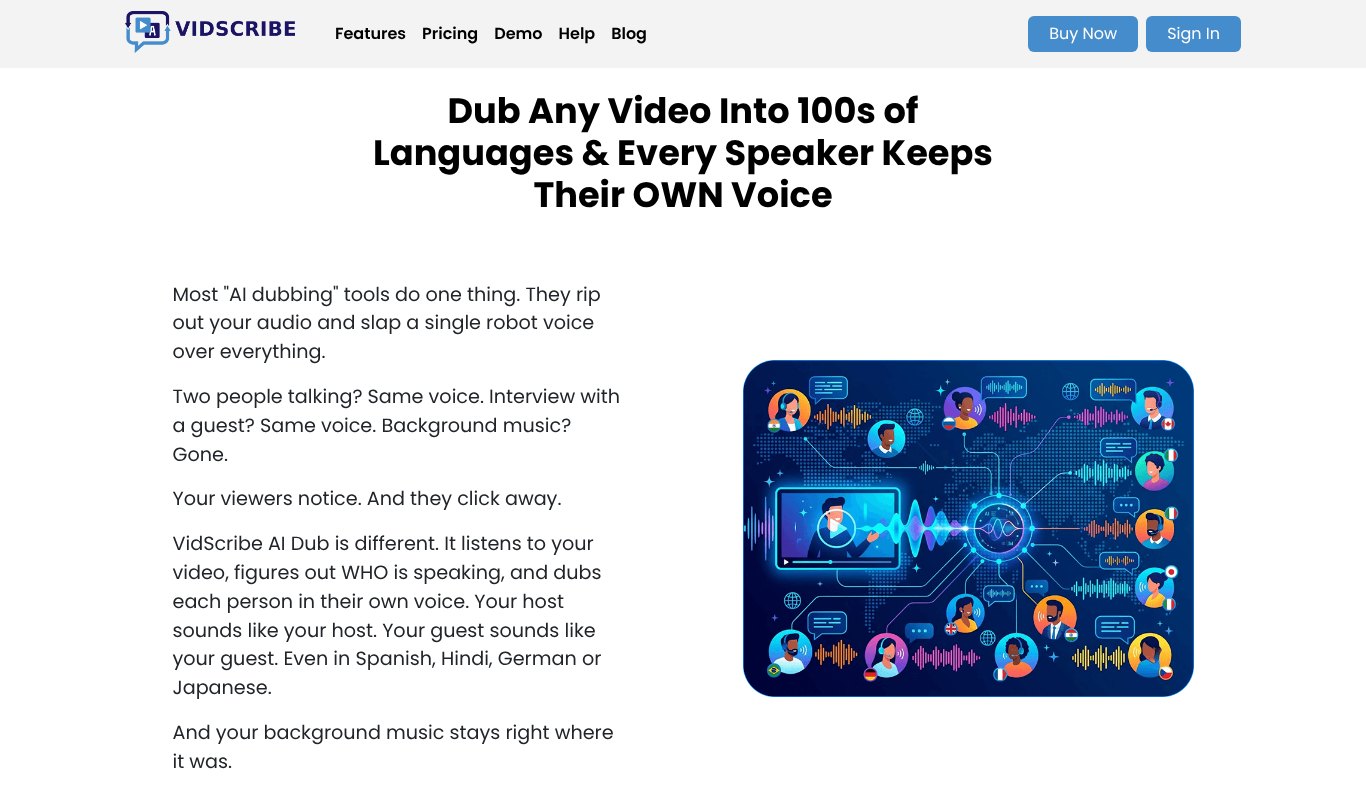
The standout is VidScribe AI Dub. Most dubbing tools put one voice over everyone. VidScribe figures out who is speaking and dubs each person in their own voice. Your host sounds like your host, your guest sounds like your guest, and your background music stays right where it was.
Everything is editable. You can fix the transcript, the translation or the timing before you export. And because it's a desktop app for Windows and Mac, you're not waiting in a cloud queue or watching a minute counter.
It even comes with training on how to rank translated videos, plus commercial rights so you can offer dubbing and subtitles to clients.
Pros
- Every speaker keeps their own voice
- Keeps background music
- Subtitles, translation and dubbing in one tool
- Works from a YouTube link
- Commercial rights for client work
- Lowest price on this list
Cons
- Desktop app, so you install it instead of working in a browser
- No lip sync yet
Pricing Just $5.58 a month, paid yearly ($67 a year), or $6.99 month to month. 30 day money-back guarantee.
2. HeyGen
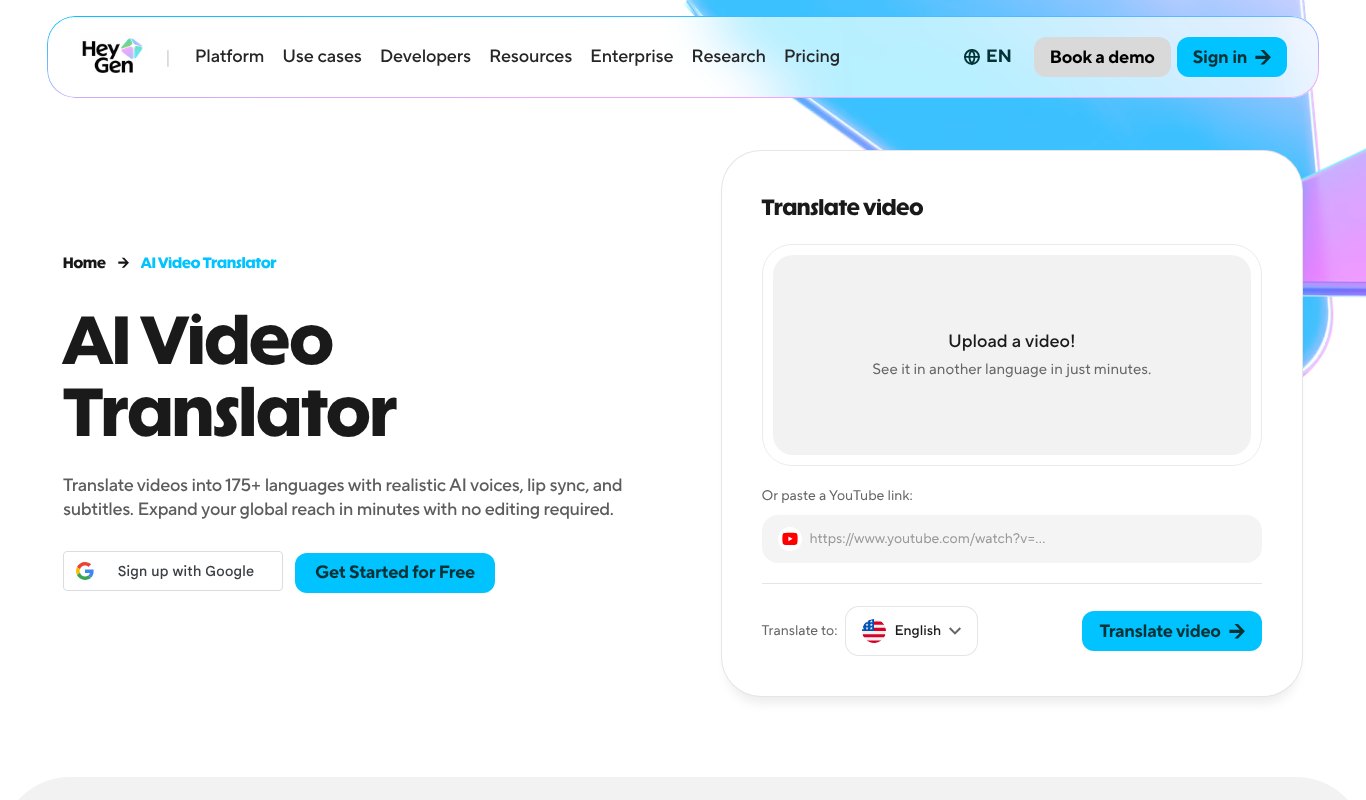
HeyGen is famous for its lip sync. It translates your video, clones your voice and moves your lips to match the new language, which looks very natural on talking-head videos.
Pros
- Excellent lip sync
- 175+ languages
- Works from a YouTube link
Cons
- Credits run out quickly on long videos
- Price climbs for heavy use
Pricing Free for 3 videos a month. Creator from $24 a month paid yearly, or $29 month to month.
3. ElevenLabs
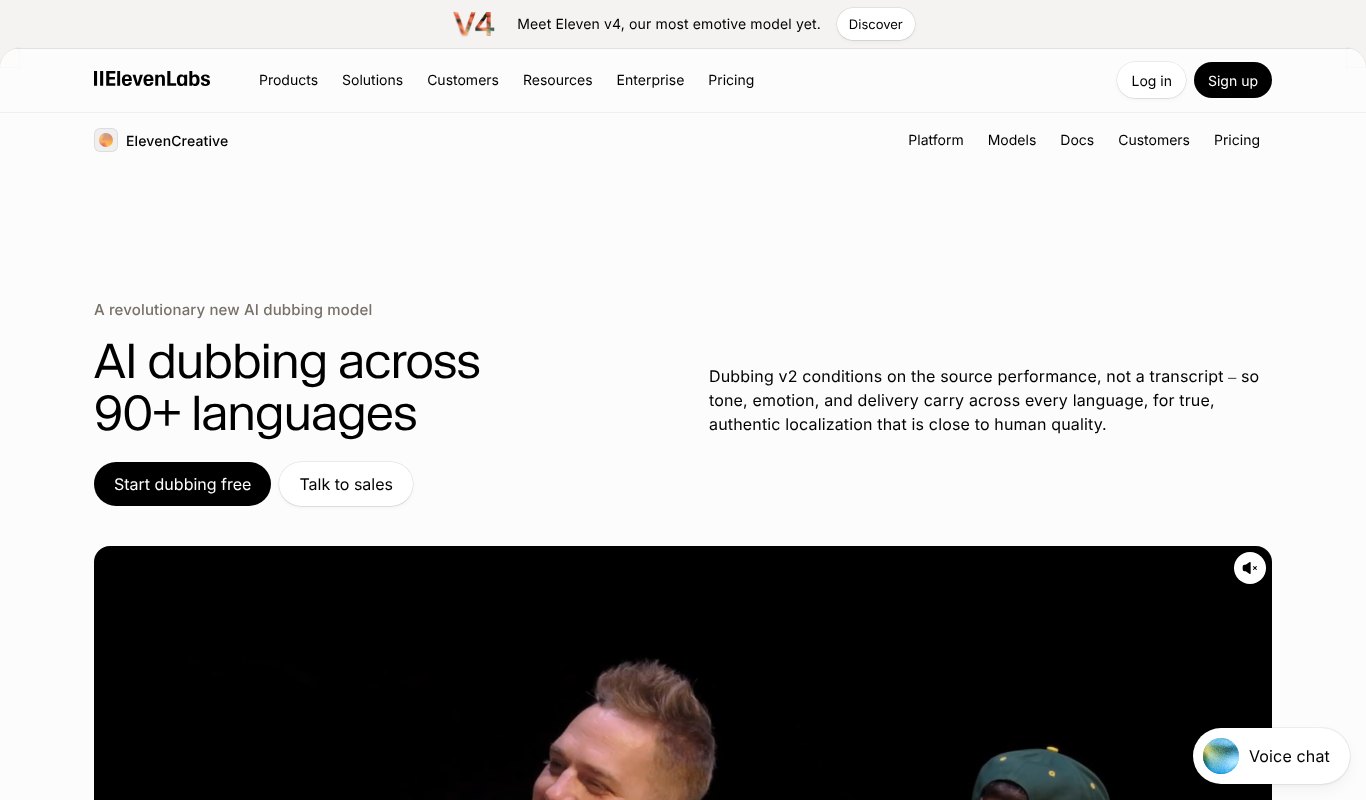
ElevenLabs makes some of the most natural AI voices around. Its dubbing studio keeps your tone and emotion across 90+ languages, and you can fine-tune every line.
Pros
- Very natural, emotional voices
- Detailed editing studio
- Low entry price
Cons
- Cheap plans have small credit limits
- No video editing tools
Pricing Free plan. Starter is $6 a month, and Creator is $22.
4. Rask AI
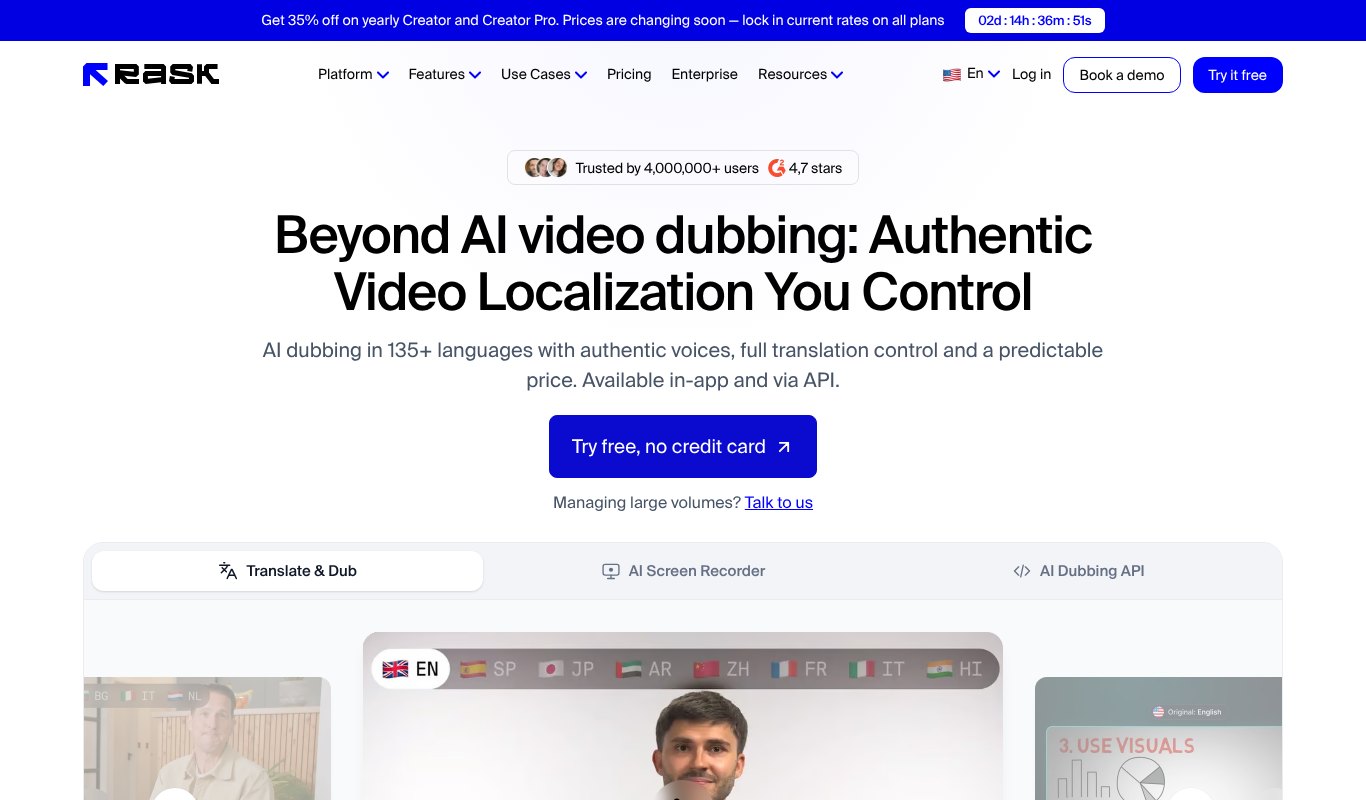
Rask AI is built for businesses that translate a lot of video. It handles 135+ languages, multiple speakers and lip sync, with full control over the translation.
Pros
- Strong multi-speaker support
- Lots of languages
- API for big teams
Cons
- Minutes are limited on each plan
- Pricey for solo creators
Pricing Creator from about $28 a month paid yearly ($329 a year) for 300 minutes.
5. Vozo
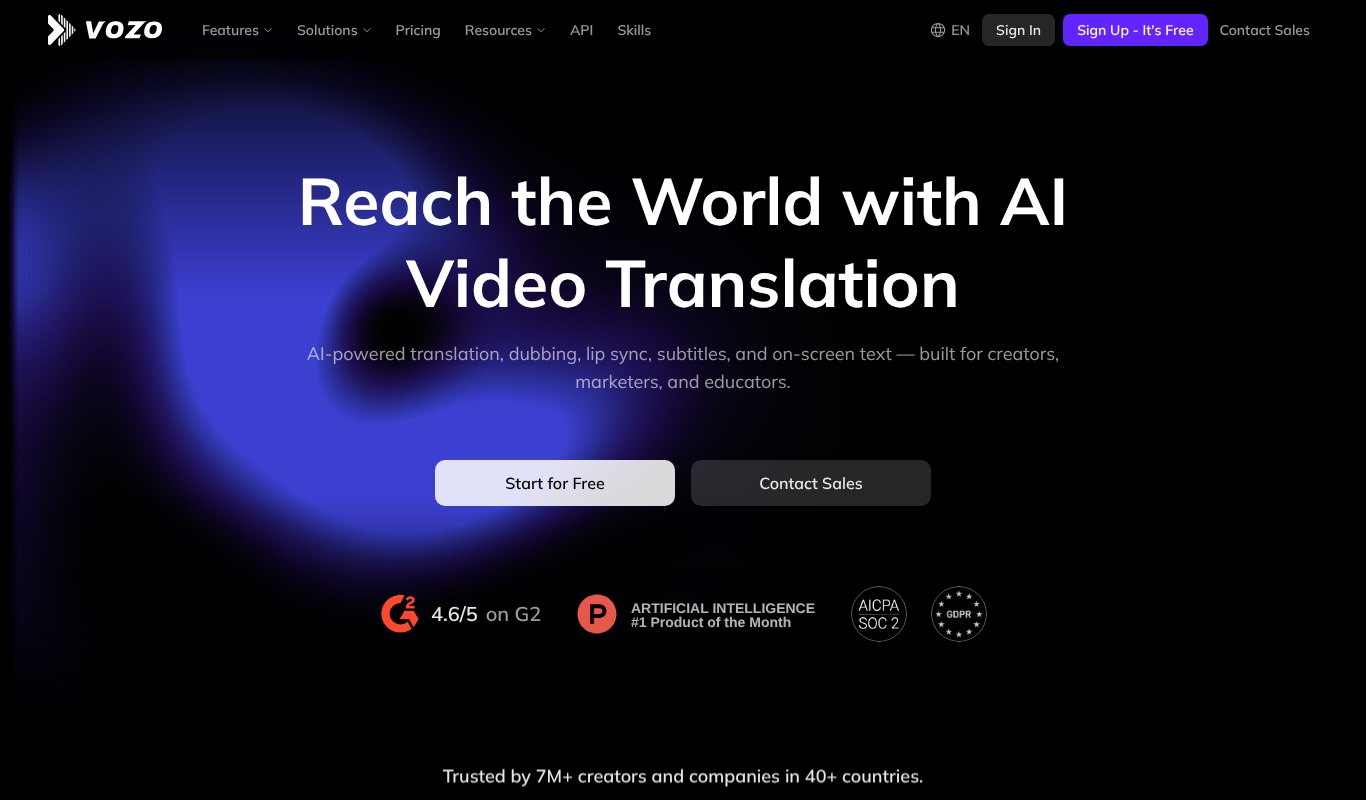
Vozo goes a step further than most. Along with voice cloning and lip sync, it can translate the text that appears on screen, not just the speech.
Pros
- Translates on-screen text
- Lip sync
- Free plan to try
Cons
- Paid plans start higher than most
Pricing Free plan. Paid from $29 a month.
6. Perso AI
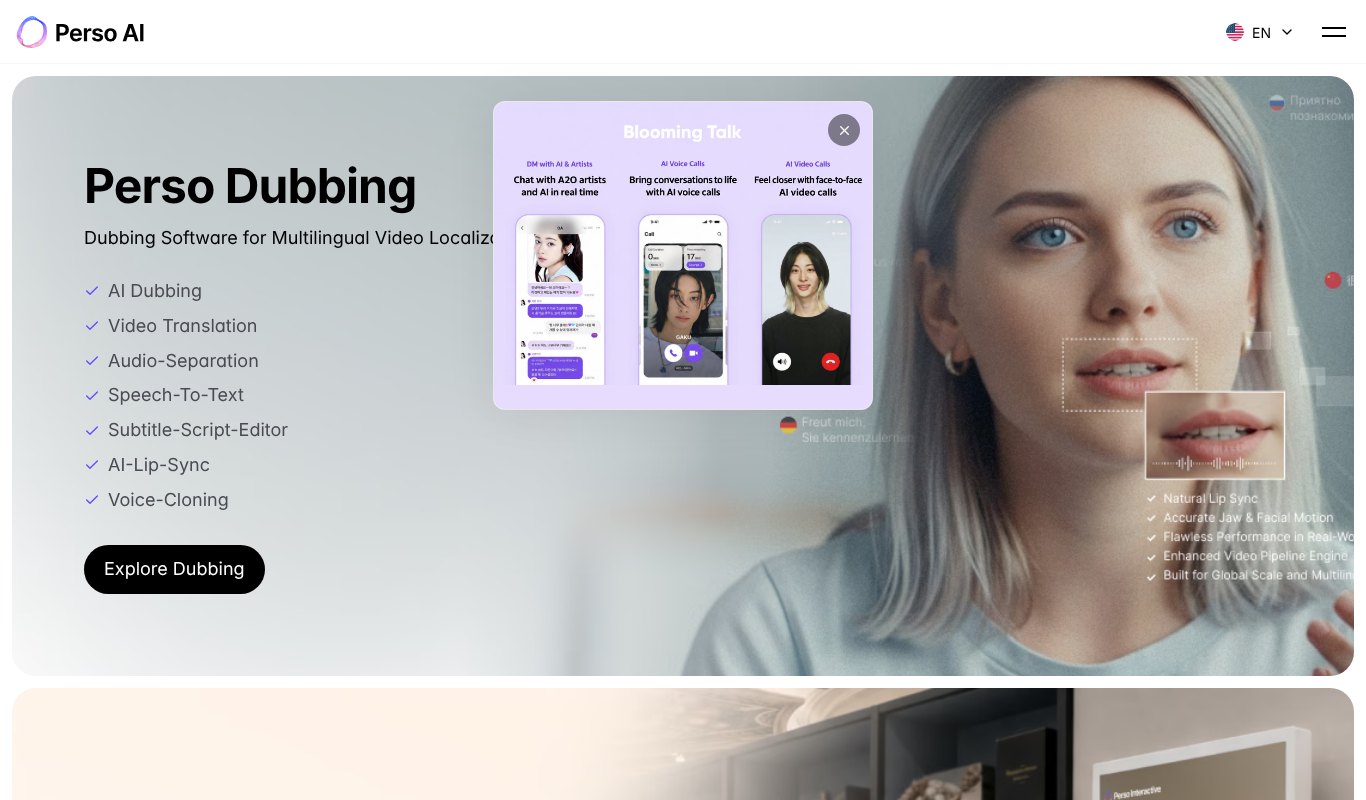
Perso AI offers dubbing, voice cloning and lip sync at a low price. It's a good pick for creators who want to test translated videos without a big bill.
Pros
- Low starting price
- Voice cloning and lip sync
- Script editor
Cons
- Minutes add up on longer videos
Pricing Free plan. Starter is $6.99 a month.
7. Akool
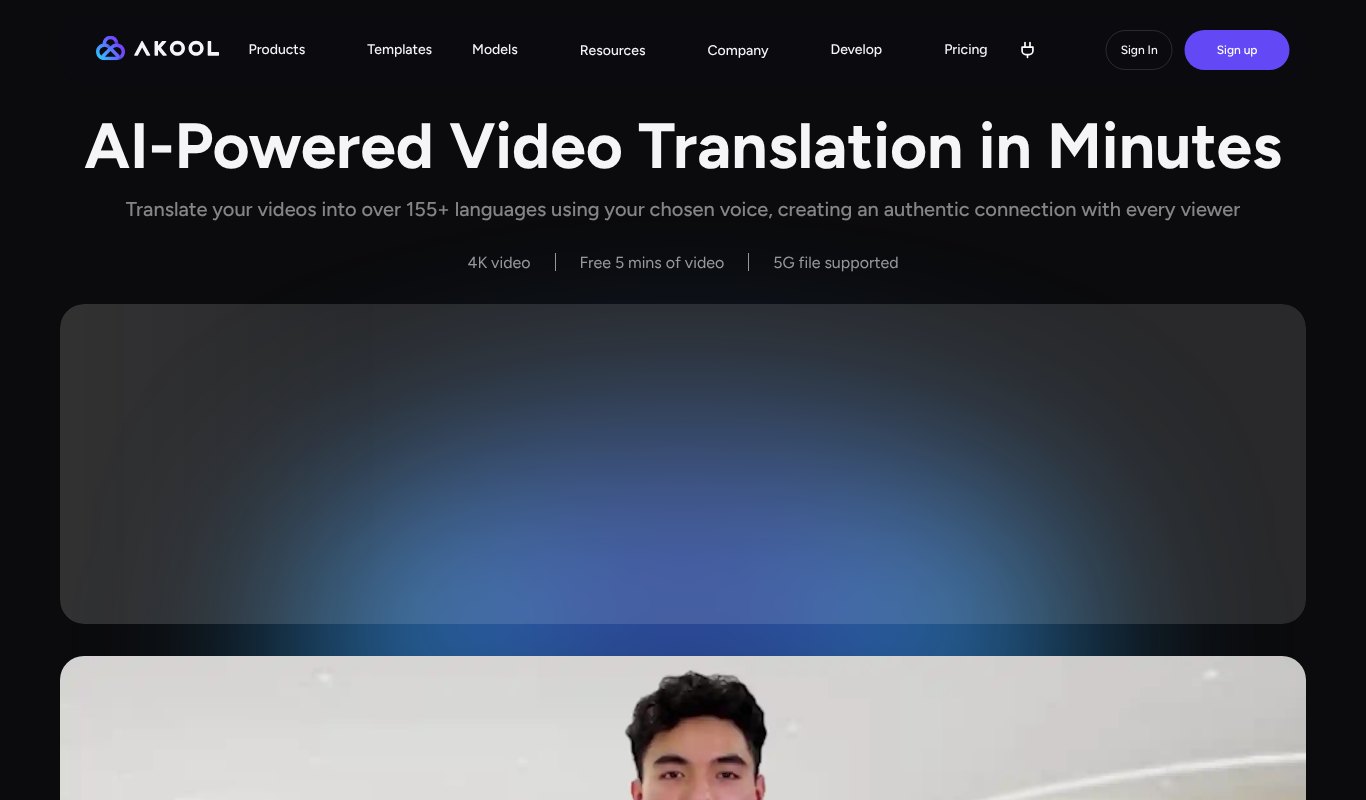
Akool is an AI video suite with avatars, face swap and translation. Its video translator supports 155+ languages in your chosen voice, with 4K support.
Pros
- Lots of AI video tools in one place
- 155+ languages
- Handles big files
Cons
- Credit system takes some getting used to
Pricing 5 free minutes to try. Paid from $12 a month paid yearly.
8. VEED
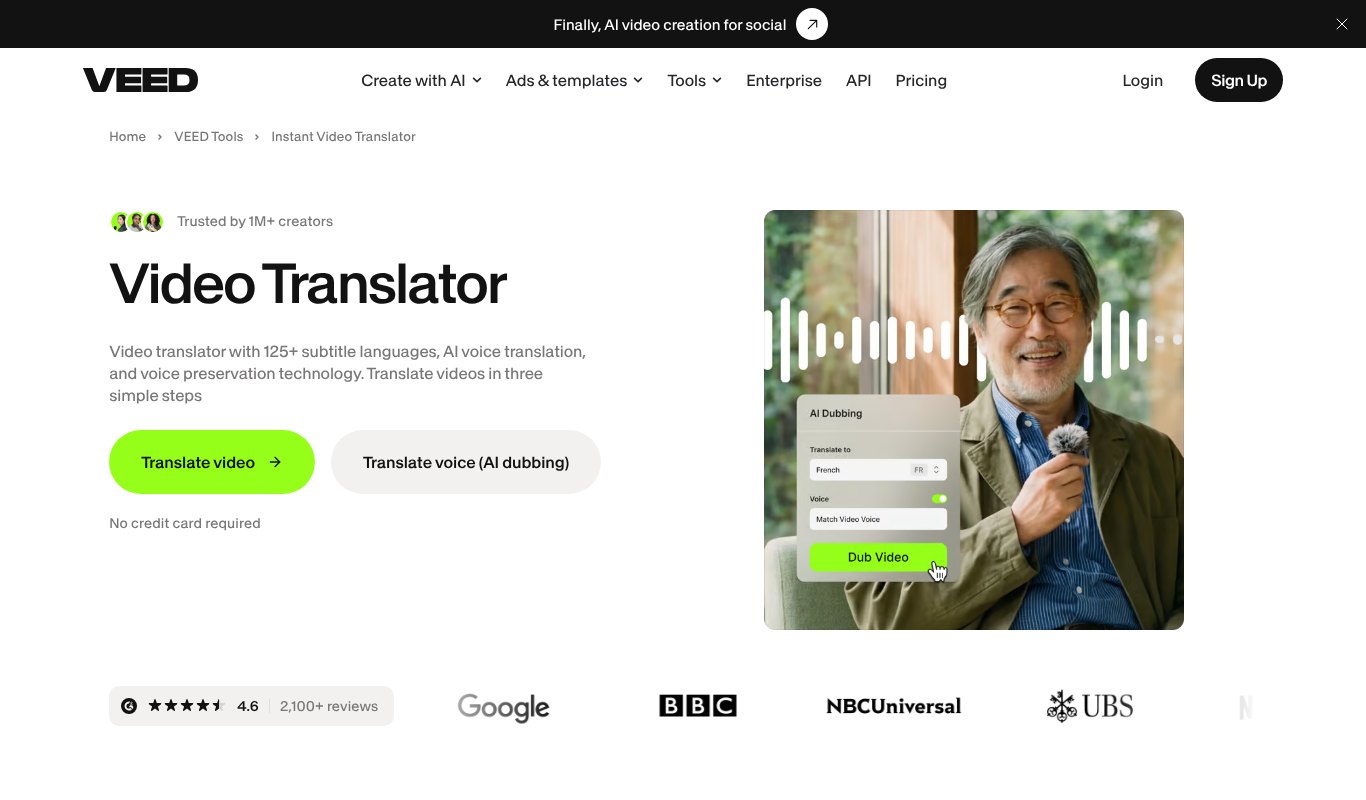
VEED is an online video editor with translation and AI dubbing built in. Handy if you want to edit, caption and dub in the same place.
Pros
- Full video editor included
- 125+ subtitle languages
- Easy to use
Cons
- Translation to 50+ languages needs the Pro plan
Pricing Free plan. Pro from $19 a month paid yearly.
9. Kapwing
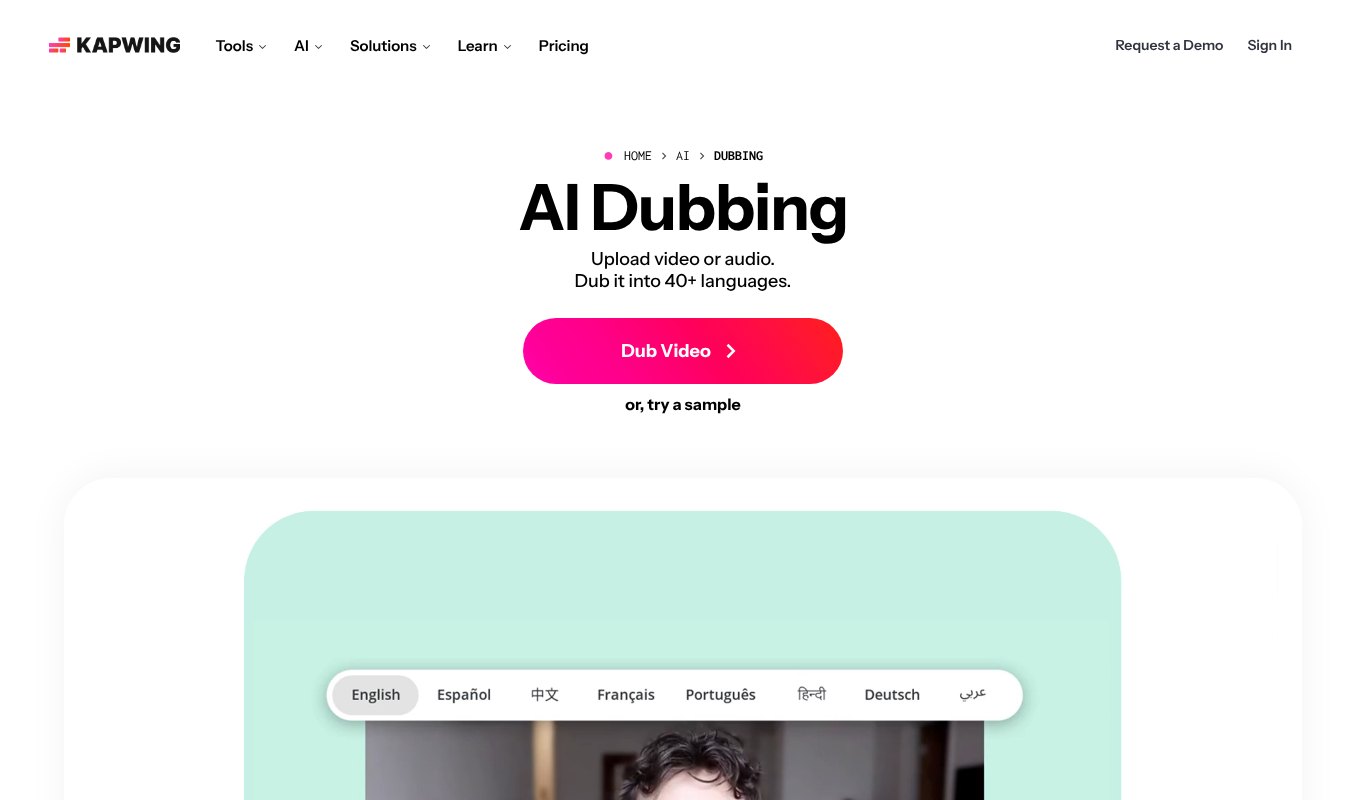
Kapwing is a team-friendly online editor. Its AI dubbing covers 40+ languages, and the Business plan adds custom voice clones and lip sync.
Pros
- Great for teams
- Editing, subtitles and dubbing together
- Free plan to try
Cons
- Voice clones need the Business plan
- Dubbing minutes are capped
Pricing Free plan. Pro from $16 a month paid yearly. Business, with voice clones, from $50 a month paid yearly.
10. YouTube Auto-Dubbing
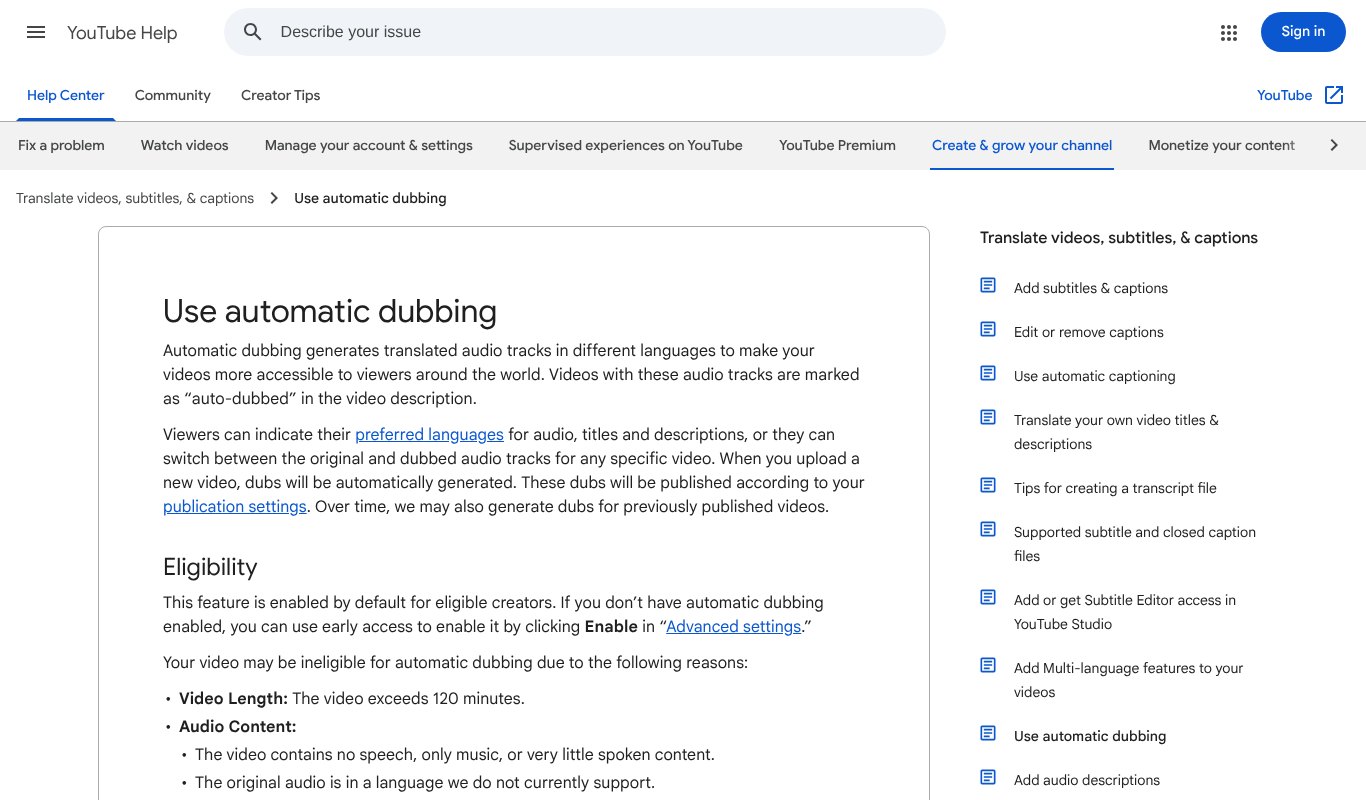
YouTube now dubs videos automatically for all creators in 27 languages. Its Expressive Speech feature keeps your tone and energy in eight major languages, and a lip sync test is underway.
Pros
- Free
- Built into YouTube
- Viewers can switch audio tracks
Cons
- Only works on YouTube
- Little control over the translation
- No dubbed file to use elsewhere
Pricing Free for YouTube creators.
11. Synthesia
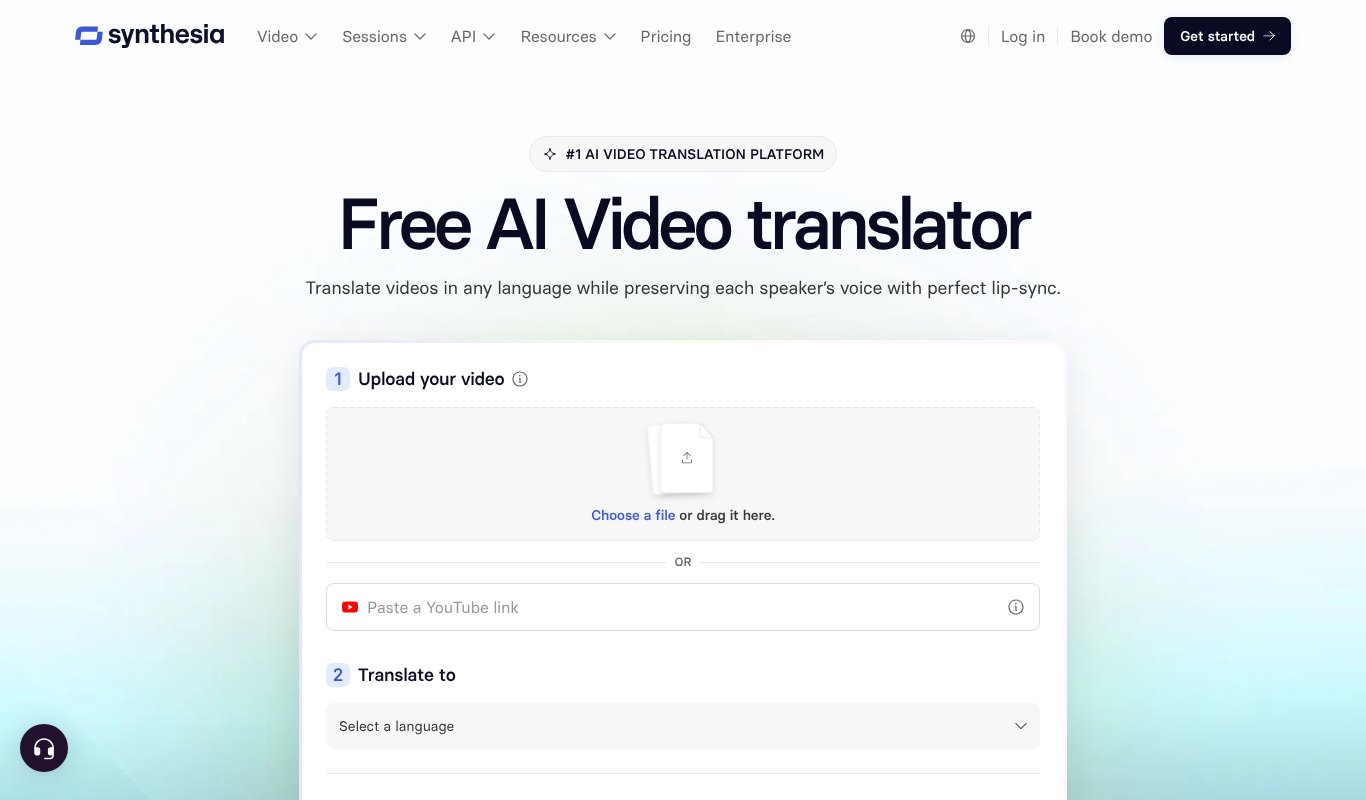
Synthesia is best known for AI avatar videos, but its video translator also dubs your own footage, keeping each speaker's voice and adding lip sync. It's polished, secure and popular for corporate training.
Pros
- Great for training videos
- Strong security for companies
- Avatars in many languages
Cons
- One-click translation into 140+ languages needs the Creator plan
- Built more for companies than solo creators
Pricing Free plan. Starter from $14 a month paid yearly, and Creator from $59 a month paid yearly.
Which One Should You Choose?
You want more views and search traffic for little money. VidScribe AI.
You need perfect lip sync on talking-head videos. HeyGen or Vozo.
You care most about voice quality. ElevenLabs.
You translate lots of business video. Rask AI.
You only publish on YouTube. Start with YouTube auto-dubbing, then upgrade when you need more control.
Tips for Better AI Dubbing
- Start with clean audio. Less background noise means a better voice clone.
- Speak clearly and not too fast. Some languages take more words to say the same thing.
- Check the translation. Ask a native speaker to watch the first video in each language.
- Translate the title and description too, so your video shows up in local searches.
- Add subtitles in the new language as well as the dub.
- Start with your best videos. If they work in English, they'll likely work in Spanish too.
Which Languages Should You Start With?
Spanish is the easy first pick. It has hundreds of millions of speakers and a huge YouTube audience.
Portuguese, Hindi, German and French are strong next steps. Look at your YouTube analytics too. If you already get views from a country, that language is a good bet.
Is AI Voice Cloning Safe and Legal?
Yes, when you clone your own voice or have permission from the person you're cloning. Good tools ask you to confirm consent.
Never clone someone else's voice without their OK. And be open with your audience that the dub is AI-made. YouTube marks auto-dubbed videos for that reason.
What's Next for AI Video Translation
Things are moving fast. Lip sync is getting more natural, voices are carrying more emotion, and more platforms are building dubbing right in.
Soon, publishing one video will mean publishing it in many languages at once. The creators who start now will have a big head start.
Frequently Asked Questions
What is the best AI video translator with voice cloning?
For most creators and marketers, VidScribe AI is the best value. It dubs each speaker in their own voice and adds subtitles for $5.58 a month, paid yearly. For lip sync, HeyGen is a strong choice.
Can AI translate a video into my own voice?
Yes. Voice cloning tools learn how you sound from your video and speak the translation in a voice that sounds like you.
Is there a free AI video translator?
YouTube auto-dubbing is free for YouTube videos. Most other tools have free plans or trials with limited minutes.
How accurate are AI video translations?
Very good for most everyday content. For legal, medical or very technical videos, have a native speaker check the translation.
Do translated videos rank in search?
Yes. Translated audio, titles, descriptions and subtitles help your video show up for searches in that language, where competition is often lower.
Final Thoughts
Your next million viewers might not speak English. AI voice cloning means you can talk to them anyway, in your own voice.
Pick a tool, translate your best video, and see what happens.
If you want dubbing, subtitles and search traffic for the lowest price, try VidScribe AI for just $5.58 a month, paid yearly.